Recipe Editor
Recipe editor lets you define data transformations. A recipe can be used as post-run steps for data queries.
Recipe structure
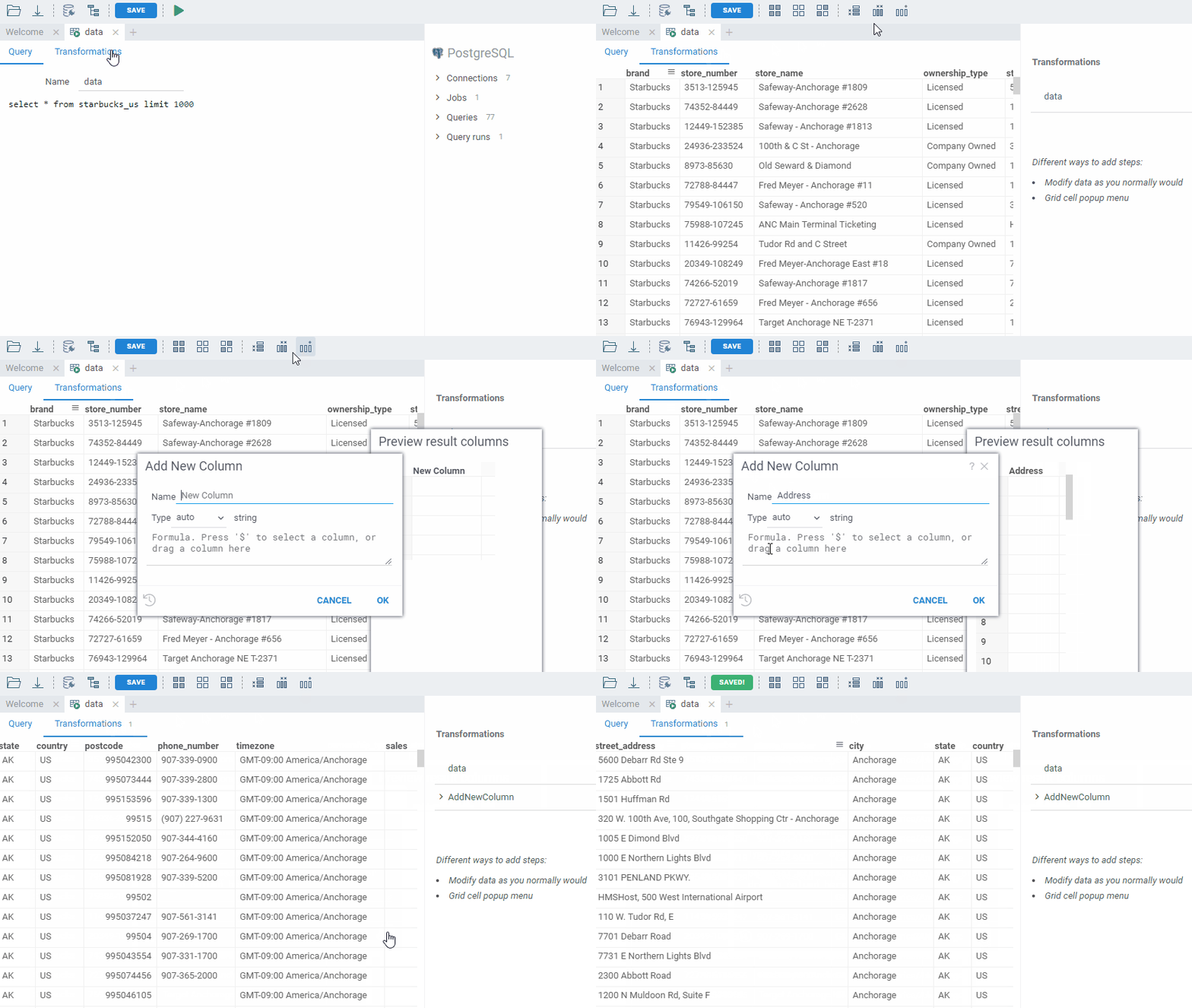
A recipe consists of a number of parameterized steps. There are different ways to add steps:
Modify data as you normally would
Use the regular tools for modifying the data, mostly located under Edit, Select, and Data top menus.
From the console
Execute commands from the console.
Grid cell popup menu
Right-click on a cell and choose a context-dependent command from one of the following menus:
- Rows with the same value
- Column
- Selected columns
Function library
Choose a step from the list of all available transformations.
Parameters
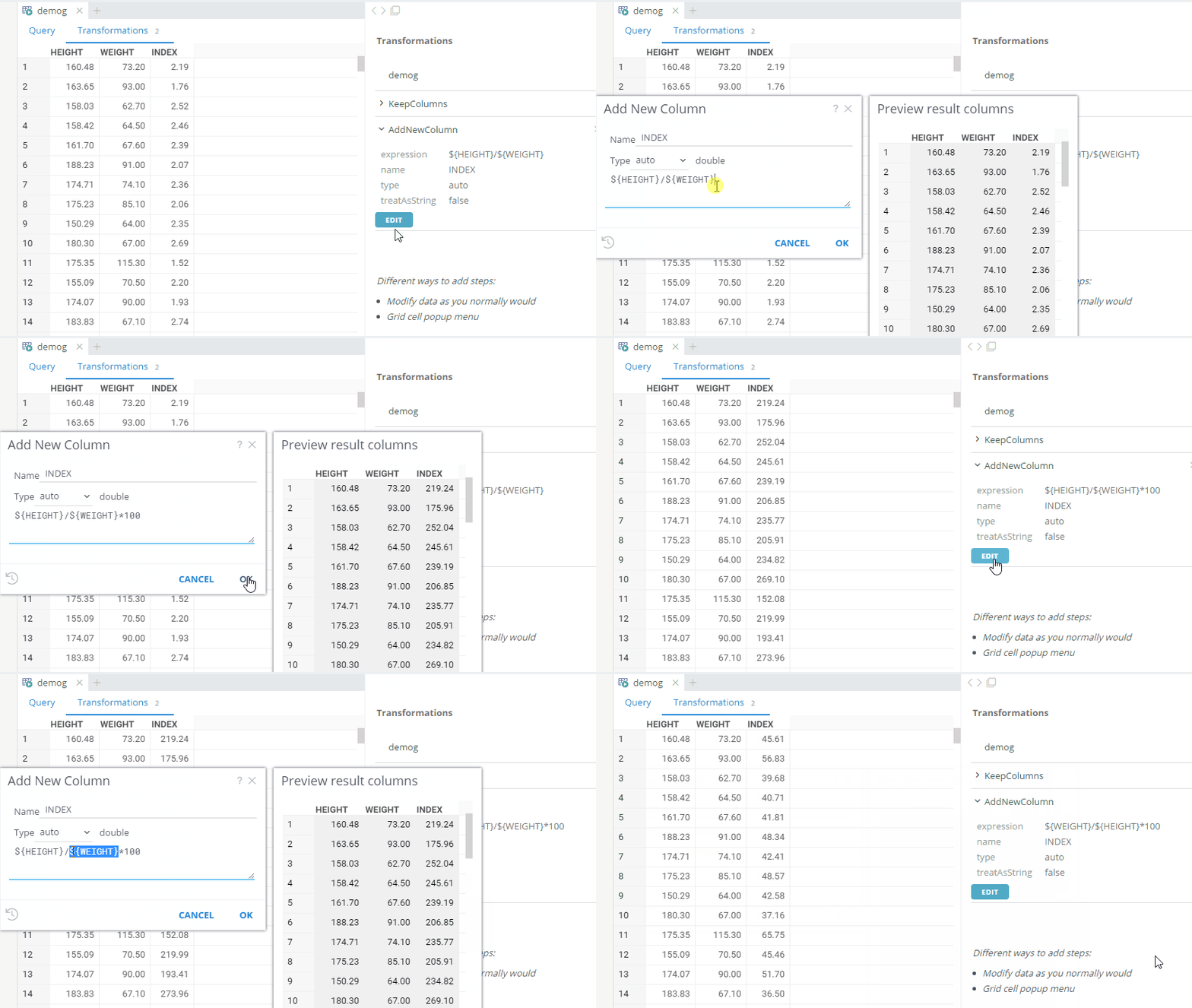
You can manually edit steps parameters.
Navigation
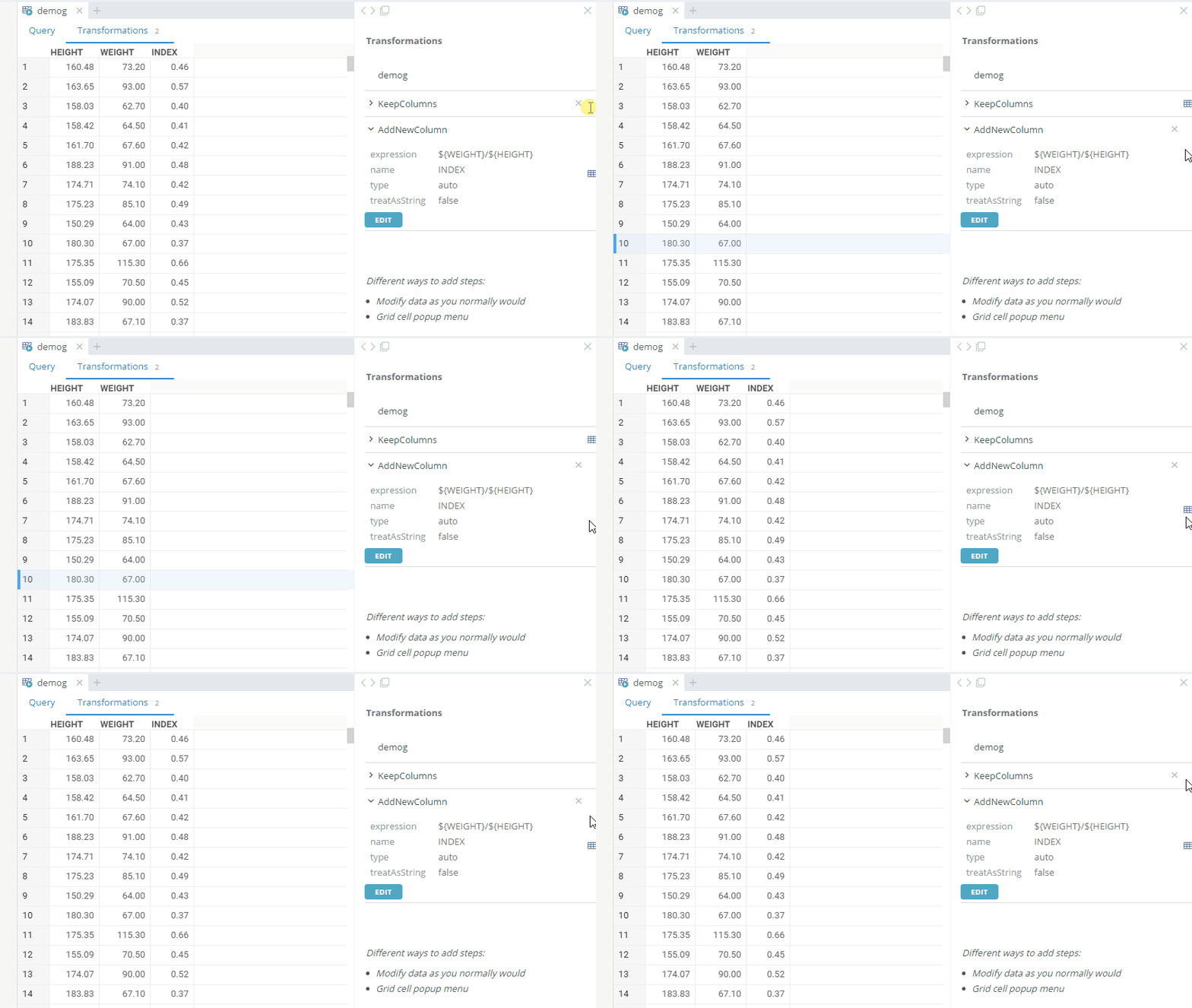
Click a step to view its results
See also: